
What are the best free survey tools for Welsh non-profits?
Find the best free, GDPR-compliant survey tools for Welsh charities. Compare Microsoft Forms, Google Forms, Tally, and more for bilingual Welsh/English support.

This guide reviews five free or low-cost tools perfect for the Welsh third sector. We look at features, pricing, and how to pick the best option for your needs.
Why collect data with a survey?
Welsh charities use surveys for many reasons. You might need to:
- Get feedback: Ask donors or people using your services what they think.
- Plan services: Run research to understand local needs before applying for funding.
- Manage people: Use forms for volunteer recruitment or staff consultations.
- Track inclusion: Collect data on equality and diversity to ensure your services reach everyone.
Why move to digital surveys?
According to the latest Charity Digital Skills Report, the sector is making big strides in data, but there is still a "skills gap" to close. Moving to digital forms is the first step in bridging that gap.
- Paper forms: You have to manually type every response into a spreadsheet. This can lead to mistakes from messy handwriting and takes hours of staff time.
- Digital forms: Saves hours of work and the analysis is done for you. The moment someone clicks "submit," your charts and spreadsheets update automatically. This moves you from just collecting data to actually using it to improve your services.
Top five free survey platforms
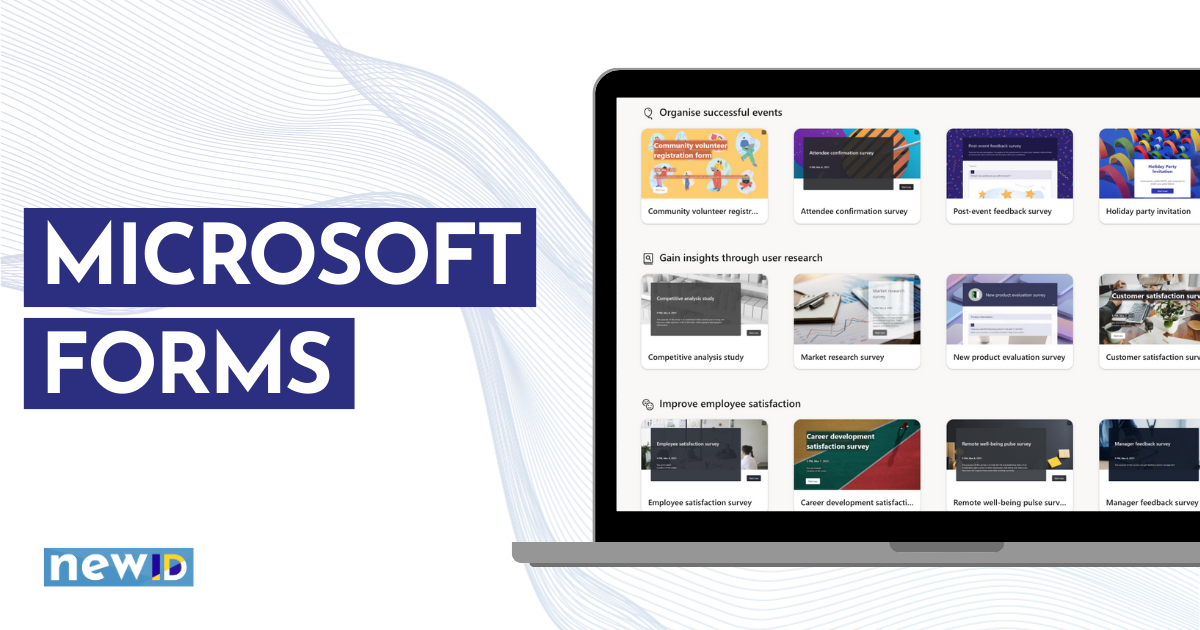
1. Microsoft Forms
Pricing: Free with Microsoft 365. Many charities get 300 "Business Basic" licenses for free.
Data storage: Usually stored in Europe/UK for local users.
Best for: Organisations already using Outlook, Word, and Excel. It is secure and professional but has limited design options.
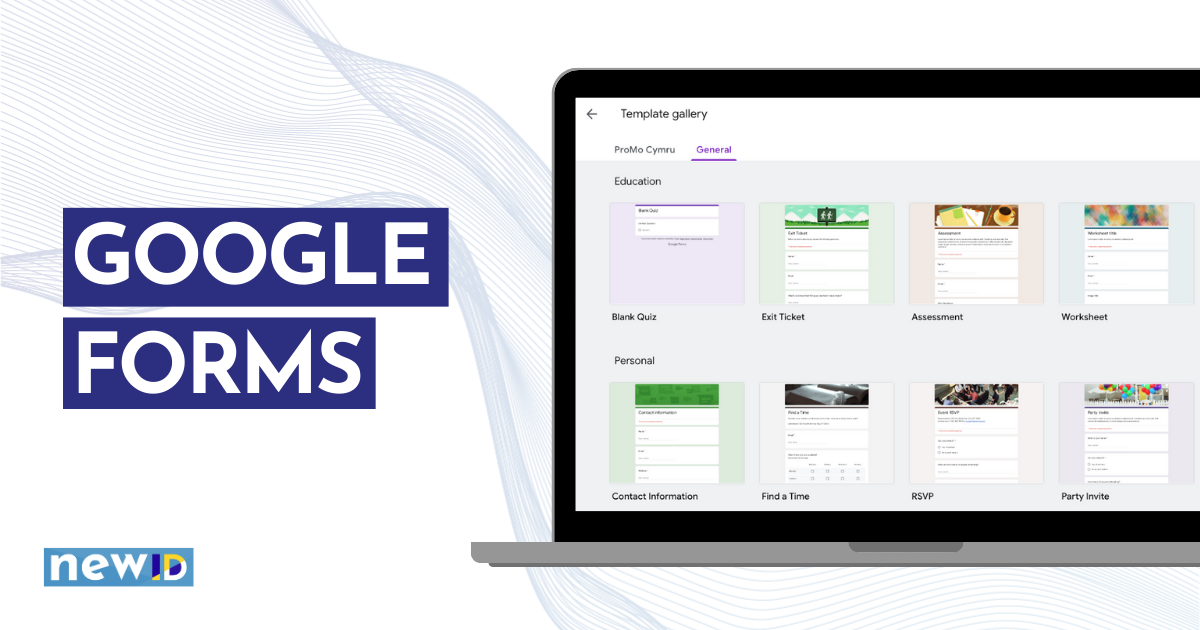
2. Google Forms
Pricing: Completely free with a Google account.
Data storage: Stored on Google’s global servers. Organisations using Google Workspace for Nonprofits have better data controls.
Best for: Simple, quick surveys. It offers unlimited forms and responses for free, making it the most cost-effective choice.
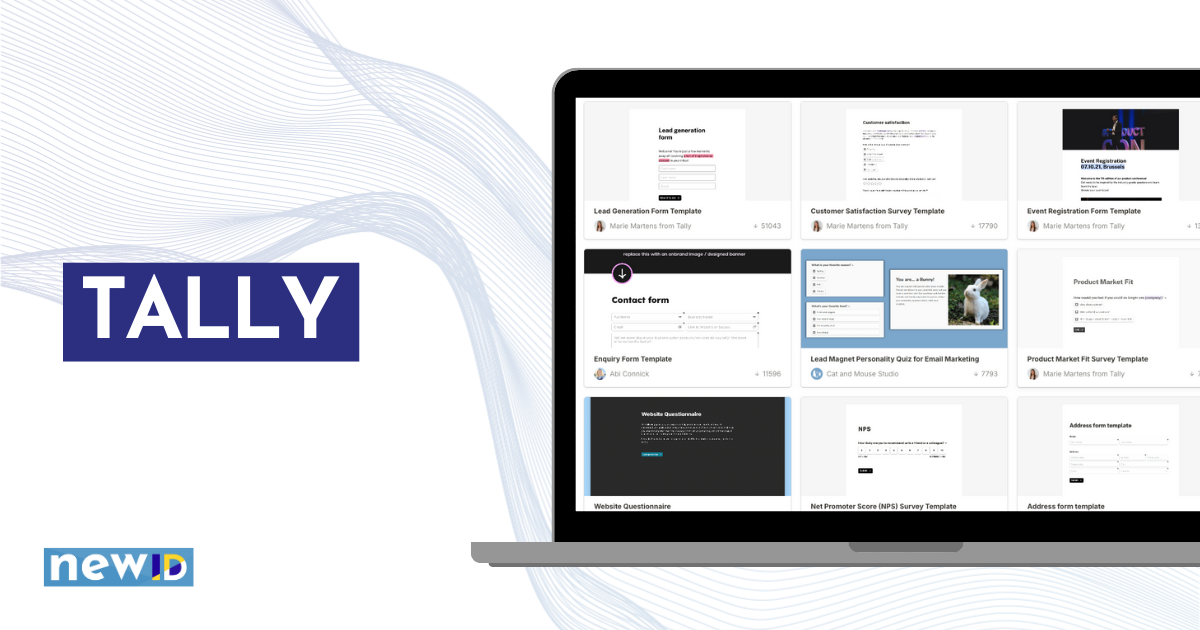
3. Tally
Pricing: Free plan includes unlimited forms. Pro is £20/month (30% off for charities).
Data storage: Stored in Belgium (EU). This can simplify GDPR compliance.
Best for: If you need to create multiple forms. It feels like a clean Word document and allows for file uploads and payments on the free plan.
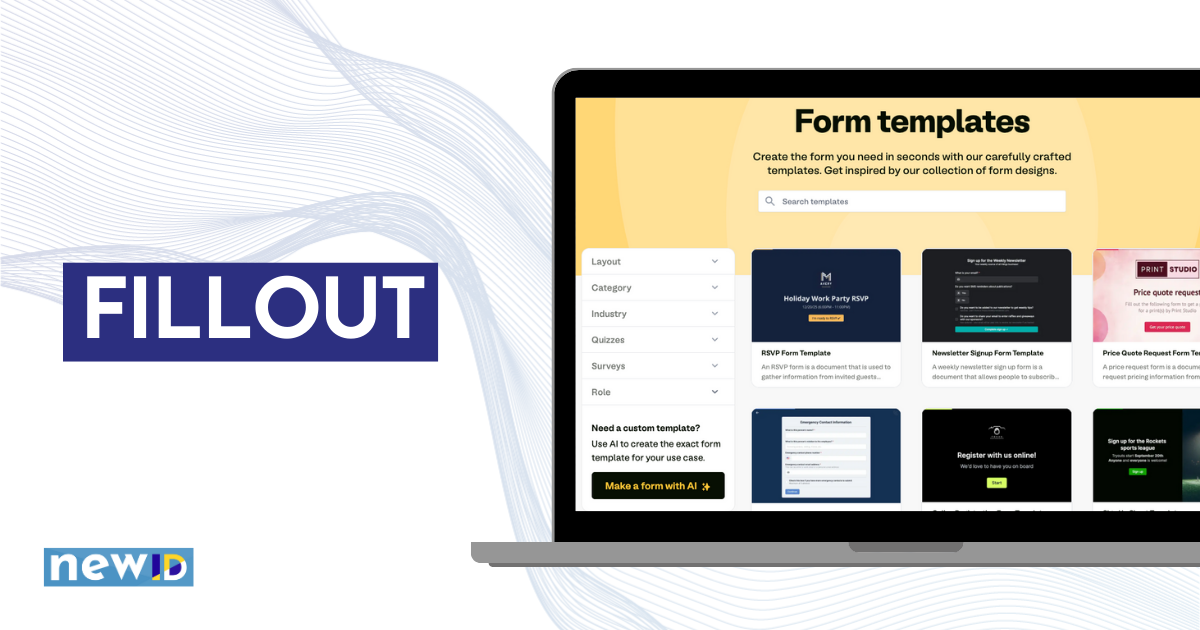
4. Fillout
- Pricing: Free for up to 1,000 responses per month.
- Data storage: You can choose Europe data storage (only on paid plans).
- Best for: Making forms look modern and professional. It has "logic" features that make it easy to create bilingual (Welsh/English) forms by showing the right language based on a user's choice.
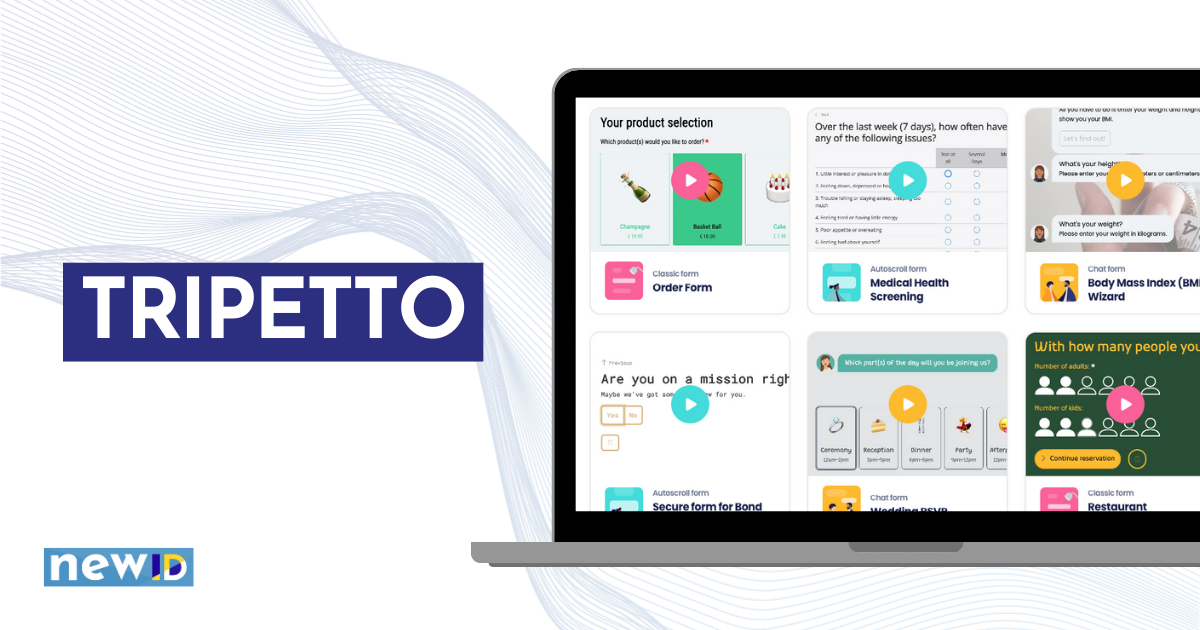
5. Tripetto
Pricing: Free for all features (with Tripetto branding). Pay a one time fee ($99) per form to upgrade it.
Data storage: Stored in Europe or "self-hosted" on your own WordPress site.
Best for: Conversational forms that show one question at a time. This is very helpful for people with learning difficulties or those using mobile phones.
Other Options: Why some popular tools didn't make the list
- Typeform: Very beautiful, but the free version is too limited for most charities (only 10 responses per month). It also has an expensive monthly fee once you grow.
- SurveyMonkey: Well known, but the free plan often blocks you from downloading your results to Excel.
How to choose: a quick checklist
Before you pick, answer some these questions to get your ‘must haves’ list:
- Respondent experience: Does the form look good on a mobile phone?
- Data location: If you collect personal info, is the storage GDPR-compliant? Look for UK/EU storage if you are collecting sensitive personal information.
- Exporting: Can you get your data out for free (CSV or Excel)?
- Existing tools: Do you already have a tool built into your CRM or email software? Check there first.
- Response limits: Free plans often limit how many responses you can collect (e.g., Fillout limits you to 1,000/month). Estimate your audience size before you start.
- Question types & logic: If you need "branching" (asking different questions based on previous answers), check if the free plan supports it.
- The Welsh language: Can you host the survey in both Welsh and English? Tools like Fillout and Tripetto handle logic well, while Microsoft Forms has a dedicated bilingual feature.
- Funder requirements: Some tenders or grant funds may specify that you must use a platform where data is encrypted to a certain standard, such as having 256-bit encryption.
Next steps
Pick one tool from this list and create a simple 3-question test survey to see how it feels. You can reassess and change platforms if your needs change.
Read how a charity supporting disabled people used Tripetto to make an easy-read form.
Further reading
Surveys
Data & analysis
Data protection & GDPR

Like this post? Click below to share: